Why you'll like itLess tool-wrangling. More clarity.
No subscription needed
Does what others charge $15+/mo for free, forever.
Your data stays yours
Headcount and reporting structure is sensitive. It never leaves your device.
Built-in audit
Automatically flags level gaps, open roles, and structural issues.
What it isBuilt for managers and HR teams who think in org charts.
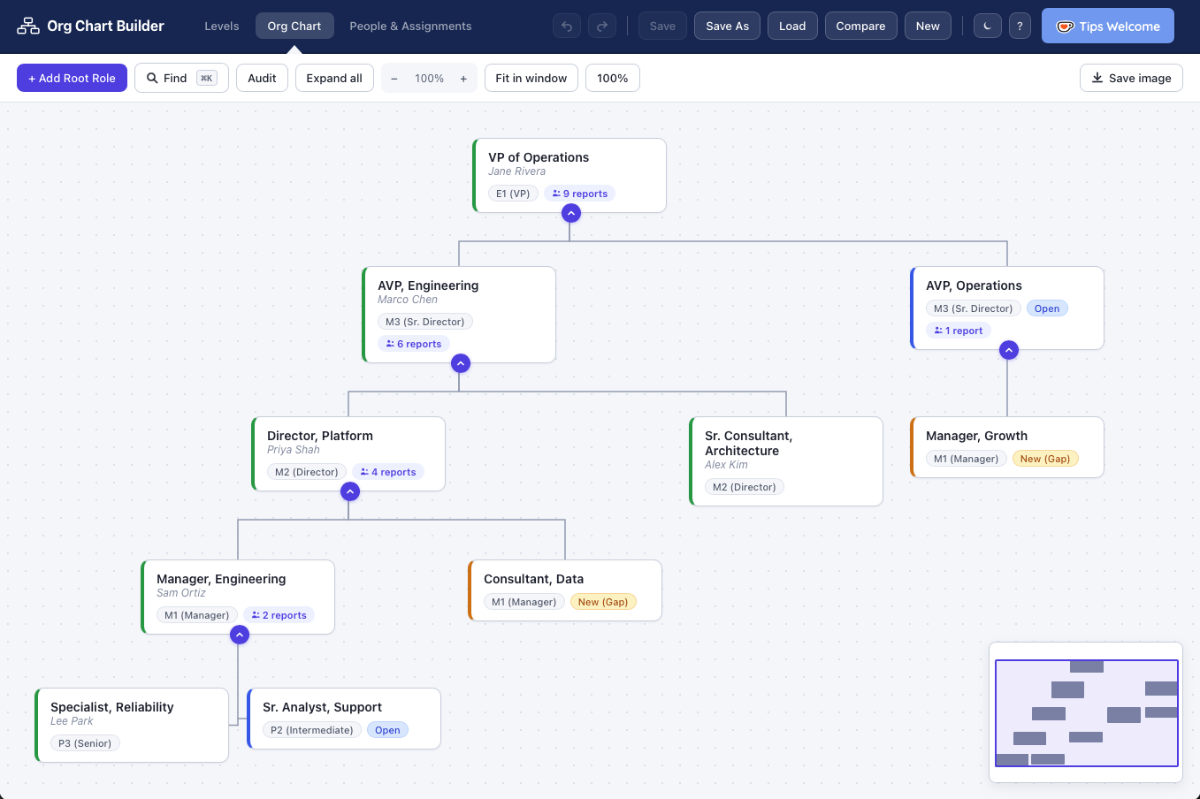
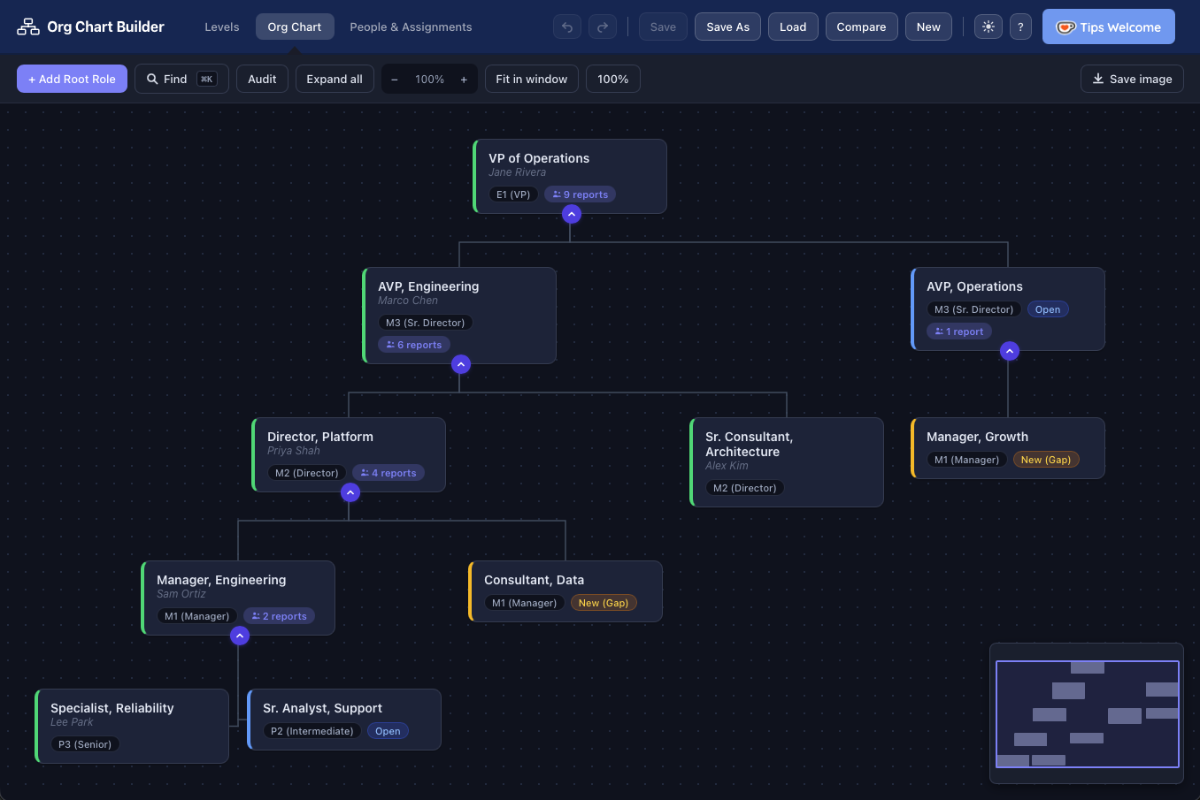
Org Chart Builder is a single HTML file that turns into a full-featured org chart editor the moment you open it. Add roles, assign people, set reporting lines, and drag to reorganize. Use the Levels tab to define your hierarchy (VP → AVP → Director → Manager, or whatever fits your structure), then use the People & Assignments tab to track who holds what role.
When you're ready to share, export a clean image in one click. Save your work as a JSON file and reload it any time — or hand it off to a colleague. No login, no cloud, no moving parts.
How to use itThree steps, then you're mapping.
Download the file. Click the button above — you get a ZIP file (42 KB). Unzip it to get the .html file inside. The full code is there for you to examine if you like.
Open it. Double-click the file. It opens in your browser instantly.
Add your root role and build down. Drag nodes to reorganize, mark roles as Open or Gap, run Audit to catch structural issues, and hit Save Image when you're done. The app opens with a pre-populated org chart. Just click "New" to start fresh.
The honest detailsNo surprises.
No server, no cloud, no account. Your org data never leaves your device.
If it saves you time, a small contribution funds the next update.
Provided as-is, no warranty. It's a single HTML file. Open it in any text editor and read the source.
The tool has zero analytics. No cookies, no pings, nothing.
FAQCommon questions.
Can I import an existing org chart?
Yes. If you've previously saved a chart using Org Chart Builder, load it back in with the Load button. The file format is plain JSON, so it's easy to inspect or edit by hand too.
How do I save my work?
The app will save your work automatically using browser memory, but we recommend saving it to a file. Use Save As to download your chart as a JSON file to your computer. Reload it any time with the Load button. There's no cloud sync — everything stays on your machine.
Can I export the chart as an image?
Yes — hit Save Image in the toolbar and you'll get a PNG of your current chart view, ready to drop into a slide deck or doc.
What does the Audit feature do?
Audit scans your chart for structural issues: level gaps (a role reporting to someone more than one level above them), open unfilled roles, and same-band reporting relationships. It flags them visually so you can address them before sharing.
Is this really free? What's the catch?
No catch. It was built out of frustration with expensive, over-engineered tools for a simple job. If it helps you, a small tip keeps development going — but the tool is yours, free.
Can I share it with my team?
Yes — send them to this page so they get the latest version. You can also share your saved JSON files directly; anyone with the tool can load them.